




Thunderbolt 3 vs Thunderbolt 4 vs Thunderbolt 5: The Complete 2026 Comparison Guide
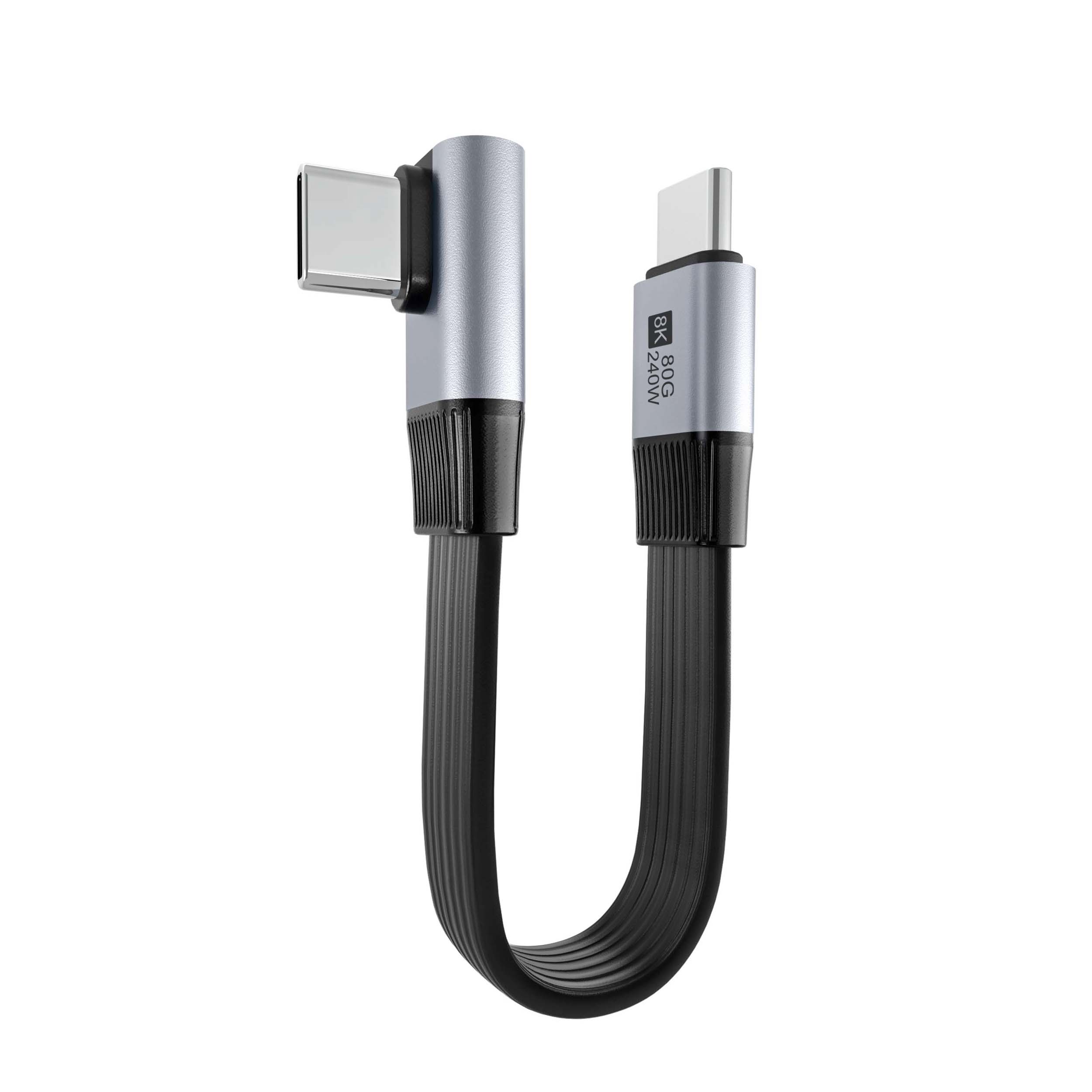
If you have been shopping for cables or laptops recently, you have probably noticed the Thunderbolt branding everywhere — and the confusing fact that Thunderbolt 3, Thunderbolt 4, and now Thunderbolt 5 all use the same USB-C connector. What is the difference, and does it actually matter? Eilinks Electronics, a professional Thunderbolt 3 Cable and Thunderbolt 4 Cable manufacturer, breaks it all down in this comprehensive comparison guide for 2026.
Understanding the Thunderbolt Family
Thunderbolt is Intel’s proprietary high-speed connectivity standard. Unlike USB, which is managed by the USB-IF industry consortium, Thunderbolt is exclusively developed and certified by Intel. This has both advantages (Intel guarantees interoperability across all certified products) and disadvantages (it costs more to implement).
All three Thunderbolt generations use the USB-C connector physically, which is why they are often confused with each other and with USB-C. The key differences lie in minimum guaranteed specifications, power delivery, and bandwidth.
Thunderbolt 3: The Revolutionary Standard That Defined USB-C High-Speed
Thunderbolt 3 launched in 2015 and was a landmark achievement. It consolidated data transfer, video output, and power delivery into a single USB-C connector, offering 40Gbps bidirectional bandwidth — twice the speed of USB 3.2 Gen 2×1.
Thunderbolt 3 Key Specifications
| Feature | Thunderbolt 3 |
|---|---|
| Bandwidth | 40 Gbps (bidirectional) |
| Video Output | DisplayPort 1.2 — Dual 4K 60Hz or Single 5K |
| Power Delivery | Up to 100W (15V/5A or 20V/5A) |
| PCIe Tunneling | Yes (up to 16Gbps) |
| Daisy Chain | Up to 6 devices |
| Connector | USB-C |
Thunderbolt 3 is still widely supported in 2026, and Thunderbolt 3 Cable products remain popular due to their affordability and broad compatibility. However, it is worth noting that Thunderbolt 3 makes PCIe tunneling optional for hosts, meaning not all Thunderbolt 3 computers expose the full PCIe tunneling capability.
Thunderbolt 4: The Standardized Evolution
Thunderbolt 4 launched in 2020 and was not primarily about speed — it was about consistency. While Thunderbolt 3 also offered 40Gbps, different manufacturers implemented it differently. Thunderbolt 4 set minimum requirements that all certified products must meet, making it the first truly reliable high-speed connectivity standard.
Thunderbolt 4 Key Specifications
| Feature | Thunderbolt 4 |
|---|---|
| Bandwidth | 40 Gbps (same as TB3, but minimum guaranteed) |
| Video Output | DisplayPort 2.0 — Dual 4K 60Hz or Single 8K |
| Power Delivery | Minimum 15W per port, up to 100W |
| PCIe Tunneling | Required (32Gbps minimum, full PCIe 4.0) |
| Daisy Chain | Up to 6 devices (USB-C hub support) |
| Wake from Sleep | Required |
| Security | Intel VT-d DMA protection required |
The key Thunderbolt 4 improvements over Thunderbolt 3 are mandatory PCIe tunneling at 32Gbps (versus optional and variable on TB3), mandatory minimum 15W power on all ports, and the ability to daisy chain through USB-C hubs rather than only through dedicated Thunderbolt ports.
Why Thunderbolt 4 Matters More Than the Numbers Suggest
A Thunderbolt 4 Cable host will always work the way you expect. If the spec says something is possible, it is guaranteed to work across all Thunderbolt 4 certified products. This reliability is why Thunderbolt 4 became the default connectivity standard for professional creative workflows, docking stations, and eGPU enclosures in 2024-2026.
Thunderbolt 5: The New Frontier in 2026
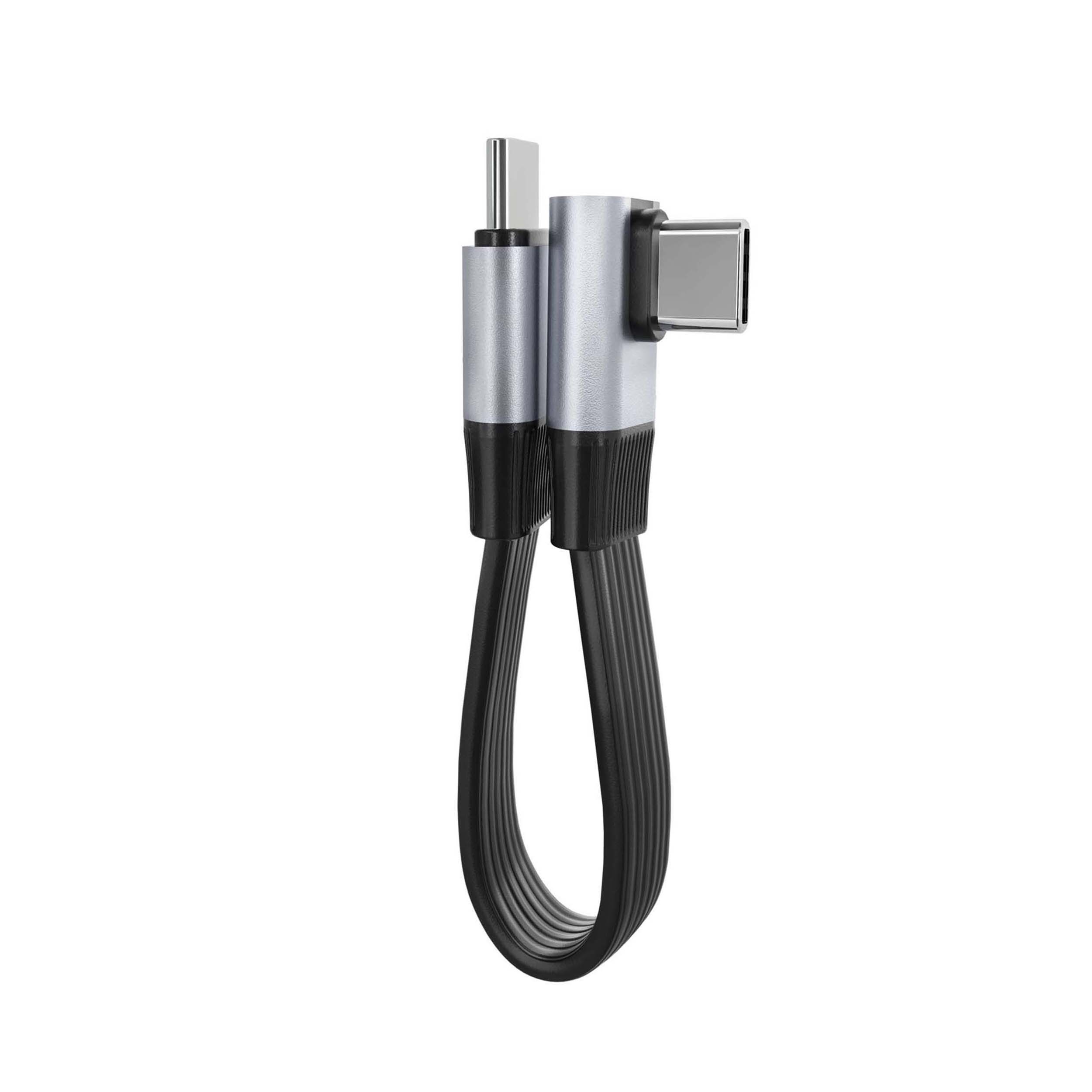
Thunderbolt 5 launched in 2024 and represents a genuine speed leap, with symmetric 80Gbps bandwidth and a new asymmetric 120Gbps mode specifically designed for display-intensive workflows. As an early adopter Thunderbolt 5 Cable manufacturer, Eilinks Electronics has been manufacturing Thunderbolt 5 certified cables since early 2025.
Thunderbolt 5 Key Specifications
| Feature | Thunderbolt 5 |
|---|---|
| Symmetric Bandwidth | 80 Gbps (bidirectional) |
| Asymmetric Bandwidth | 120 Gbps upstream / 40 Gbps downstream |
| Video Output | DisplayPort 2.1 — Triple 4K or Single 8K+ |
| Power Delivery | Up to 240W EPR (Thunderbolt 5 cables) |
| PCIe Tunneling | 64Gbps (PCIe 4.0 x4 equivalent) |
| USB4 Compatibility | Yes — backward compatible with USB4 2.0, USB4 1.0, TB3, TB4 |
| Bandwidth Boost Mode | Yes (for short bursts above 80Gbps) |
The asymmetric 120Gbps mode is particularly interesting. When you need to drive high-resolution displays (say, a single 16K monitor or three 4K monitors), the host can dedicate more bandwidth to the display direction while maintaining 40Gbps for peripheral data — a significant improvement for creative professionals.
Thunderbolt 3 vs 4 vs 5: Direct Comparison Table
| Feature | Thunderbolt 3 | Thunderbolt 4 | Thunderbolt 5 |
|---|---|---|---|
| Launch Year | 2015 | 2020 | 2024 |
| Max Bandwidth | 40 Gbps | 40 Gbps | 80 / 120 Gbps |
| PCIe Bandwidth | Up to 16 Gbps | 32 Gbps minimum | 64 Gbps |
| Max Power (cable) | 100W | 100W | 240W EPR |
| Display Support | Dual 4K / Single 5K | Dual 4K / Single 8K | Triple 4K / Single 16K |
| PCIe Required | Optional | Required | Required |
| USB4 Compatible | No | Yes | Yes |
| Typical Cost | Lowest | Medium | Highest |
Which Cable Do You Actually Need?
Buy Thunderbolt 3 Cable If:
- You have a Thunderbolt 3 laptop or desktop (2016-2020 Intel systems)
- You need 40Gbps for storage, eGPU, or docking
- You want the most affordable high-speed USB-C cable option
- You need backward compatibility with older Thunderbolt 3 devices
Buy Thunderbolt 4 Cable If:
- You have a Thunderbolt 4 laptop or desktop (2020+ systems)
- You want guaranteed PCIe performance for eGPU enclosures
- You use professional docking stations with multiple displays
- You want the best balance of price, performance, and universal compatibility
- You have or plan to connect to USB4 devices (Thunderbolt 4 cables are backward compatible)
Buy Thunderbolt 5 Cable If:
- You have a Thunderbolt 5 laptop or desktop (2024+ Intel systems)
- You drive multiple high-resolution displays (3x 4K or 1x 8K+)
- You need 240W power delivery for gaming or workstation laptops
- You work with 8K video production or AI compute workloads
- You want maximum bandwidth for external storage and eGPU performance
Thunderbolt vs USB4: Can They Work Together?
Thunderbolt 4 and Thunderbolt 5 cables and devices are fully backward compatible with USB4 hosts and devices. However, the inverse is not always true: USB4 cables will not unlock Thunderbolt 4 or 5 speeds on a Thunderbolt host.
For maximum performance, always match your cable generation to your port generation. A Thunderbolt 5 cable plugged into a Thunderbolt 3 laptop will work at 40Gbps (TB3 speeds). A USB4 2.0 cable plugged into a Thunderbolt 5 laptop will work at 80Gbps (USB4 2.0 speeds).
At Eilinks Electronics, we manufacture certified Thunderbolt 3 Cable, Thunderbolt 4 Cable, and Thunderbolt 5 Cable products, all USB4 backward compatible, for global B2B and consumer markets.
Looking for certified Thunderbolt cables? Eilinks Electronics manufactures Thunderbolt 3, 4, and 5 cables in multiple lengths, all Intel certified and USB4 compatible. Browse Thunderbolt 4 Cables or Explore Thunderbolt 5 Cables.
Frequently Asked Questions
Is Thunderbolt 4 better than Thunderbolt 3?
Thunderbolt 4 is not faster than Thunderbolt 3 (both are 40Gbps), but it is more reliable. Thunderbolt 4 mandates PCIe tunneling, minimum 15W power on all ports, and USB4 compatibility — features that were optional or absent on Thunderbolt 3 implementations. For most users, Thunderbolt 4 is the better choice for its consistency and backward compatibility.
Do Thunderbolt 4 cables work with Thunderbolt 3?
Yes. Thunderbolt 4 cables are backward compatible with Thunderbolt 3 ports and will work at 40Gbps (Thunderbolt 3 speed). However, some passive Thunderbolt 4 cables may be limited to shorter lengths when used with Thunderbolt 3 hosts.
Can I charge my laptop with a Thunderbolt 5 cable?
Yes. Thunderbolt 5 cables support up to 240W EPR charging, which is sufficient for gaming laptops, workstations, and professional notebooks. Thunderbolt 4 cables support up to 100W, which covers most ultrabooks and tablets but not high-performance gaming laptops.
Is Thunderbolt 5 the same as USB4 2.0?
No. They are different standards with different certification bodies. USB4 2.0 is a USB-IF standard at 80Gbps, while Thunderbolt 5 is an Intel standard at 80Gbps symmetric or 120Gbps asymmetric. Both use USB-C connectors and are broadly compatible, but Thunderbolt 5 devices and cables tend to offer higher minimum specifications.
