




Thunderbolt 4 vs USB4: The 2026 Guide to Choosing the Right Cable
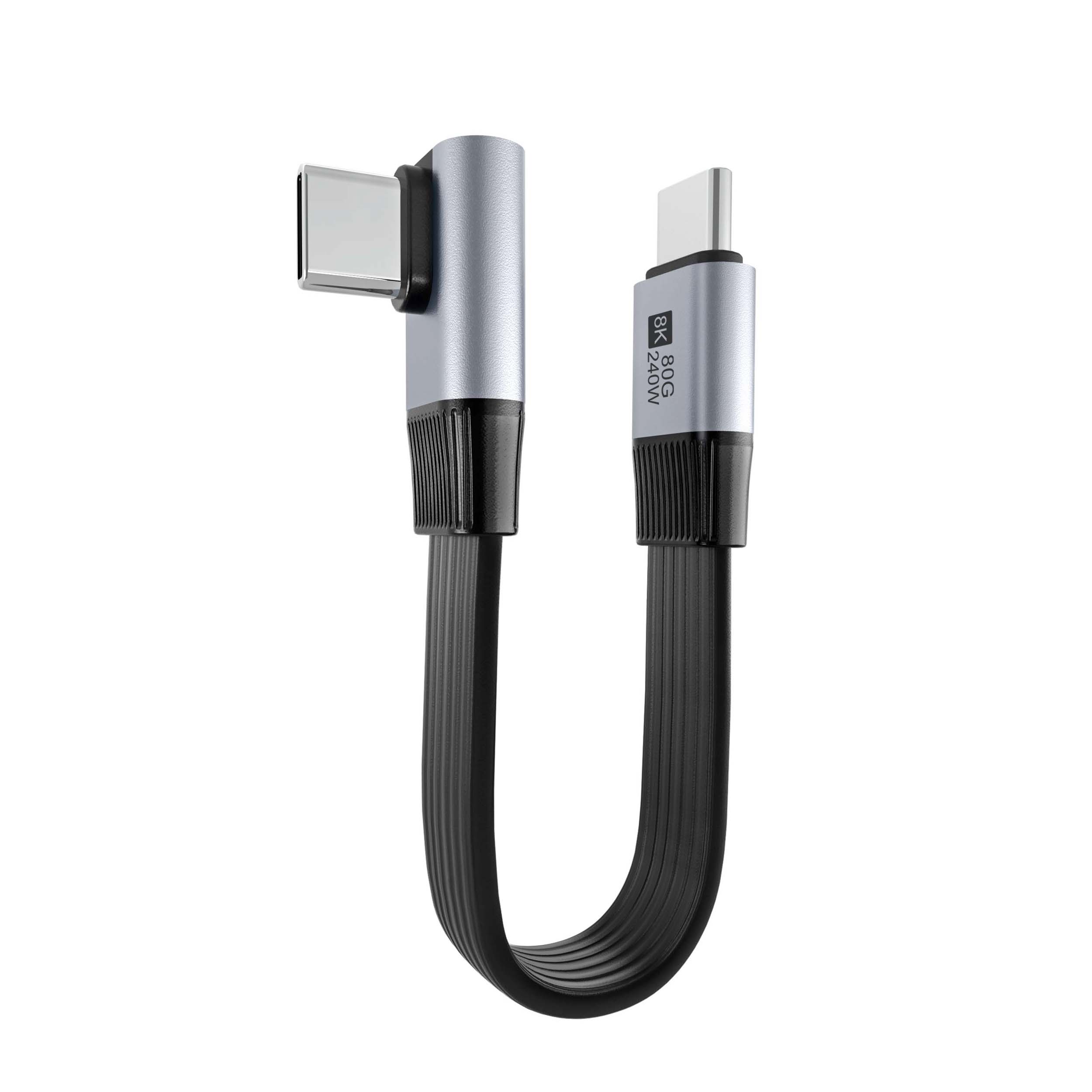
If you have been shopping for a new laptop, monitor, or external GPU dock lately, you have almost certainly encountered both Thunderbolt 4 and USB4 as selling points. They sound similar. They use the same USB-C connector. And both can do video, data, and power over a single cable. So what is the actual difference? And more importantly — which one do you actually need? Eilinks Electronics, a professional USB-C cable manufacturer, breaks it all down in plain English.
First Things First: The USB-C Connector
Both Thunderbolt 4 and USB4 use the USB-C connector — the small, reversible oval port that has been steadily replacing USB-A, HDMI, DisplayPort, and even power ports on modern devices. This shared connector is one reason the two standards cause so much confusion: from the outside, they look identical.
But the protocols running through that USB-C connector are different, and the difference matters a lot for real-world performance.
What Is Thunderbolt 4?
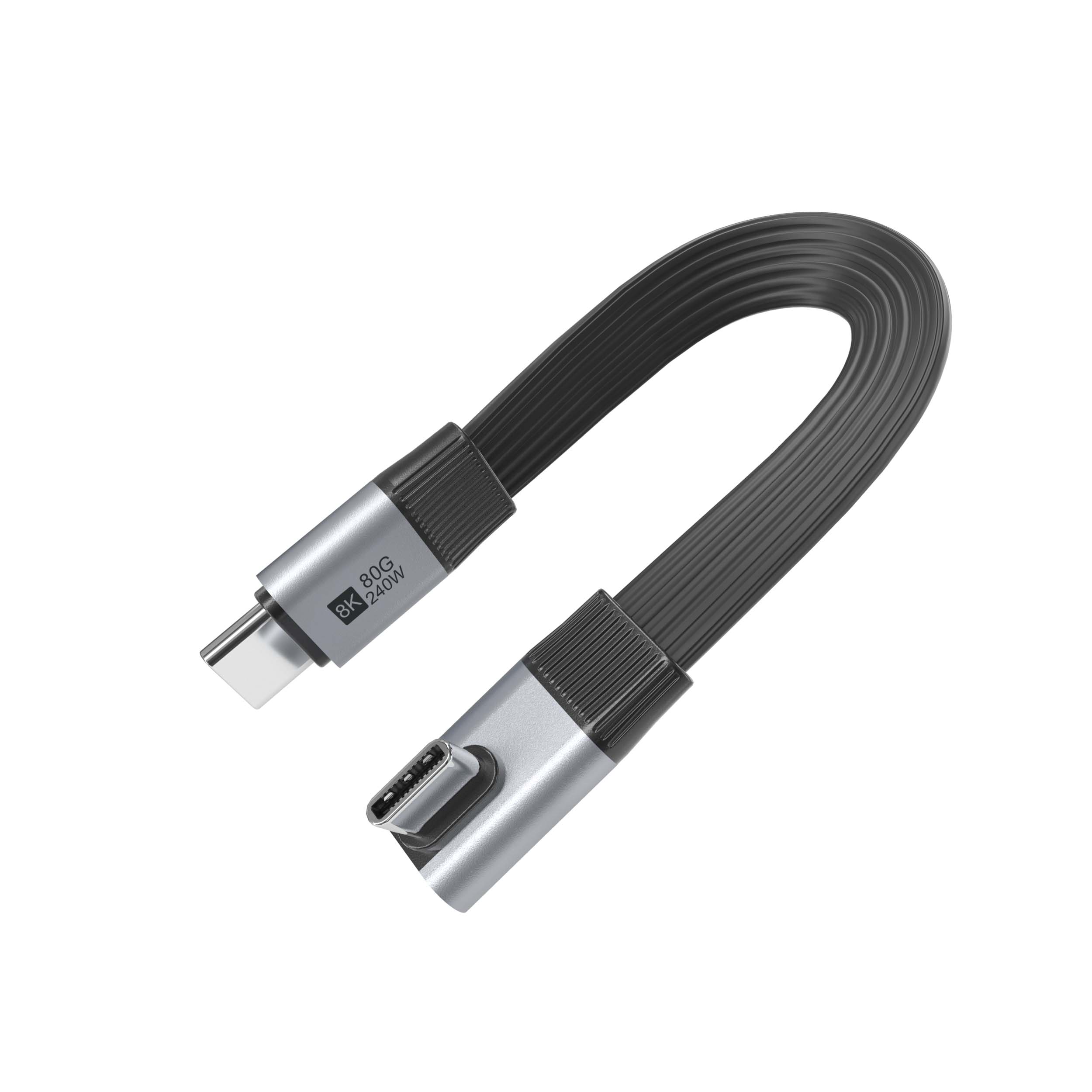
Thunderbolt 4 is Intel’s proprietary high-performance connectivity standard. It succeeded Thunderbolt 3 and, critically, it made several key features mandatory rather than optional — raising the bar across the entire ecosystem.
Key Thunderbolt 4 Specifications
- Bandwidth: 40Gbps bidirectional (same as Thunderbolt 3)
- Video output: Dual 4K @ 60Hz or single 8K @ 30Hz
- PCIs Express (PCIe): Support for external GPUs (eGPU) and high-speed storage
- USB Power Delivery: Up to 100W via USB PD 3.0
- Dock compatibility: Certified Thunderbolt docks must support at least one computer port
- Minimum cable length: 2 meters passive (versus 0.8m for Thunderbolt 3)
- Wake from sleep: Intel AMT (Active Management Technology) enabled
- Security: Intel VT-d DMA protection (prevents physical DMA attacks)
Eilinks Electronics offers a full range of certified Thunderbolt 4 cable products rated for 40Gbps and 100W power delivery, with 2-meter passive cables as standard.
What Is USB4 Version 2.0?
USB4 is an open standard developed by the USB-IF (the USB Implementers Forum), co-authored by Intel but intended as a universal, royalty-free specification that anyone can implement. USB4 version 2.0, released in 2022, dramatically closed the gap with Thunderbolt 4.
Key USB4 2.0 Specifications
- Bandwidth: Up to 80Gbps (120Gbps asymmetric in one direction) — doubling Thunderbolt 4 in the latest spec
- Backward compatible: USB4 2.0 works with USB4 1.0, USB 3.2, USB 2.0, and Thunderbolt 3
- Video output: DisplayPort 2.1 tunneling — up to 4K @ 240Hz, 8K @ 60Hz, or dual 8K
- USB Power Delivery: Up to 240W via PD 3.1 EPR (with compatible cables and chargers)
- Data tunneling: USB data, DisplayPort video, PCIe, and Host-to-Host networking simultaneously
- Cable types: Passive up to ~3 meters at full speed; active cables for longer distances
Thunderbolt 4 vs USB4 2.0: Side-by-Side Comparison
| Feature | Thunderbolt 4 | USB4 2.0 |
|---|---|---|
| Maximum Bandwidth | 40Gbps | 80Gbps (120Gbps asymmetric) |
| Connector Type | USB-C only | USB-C only |
| Video Output | Dual 4K@60Hz or 8K@30Hz | 4K@240Hz, 8K@60Hz, dual 8K |
| Max Power Delivery | 100W (PD 3.0) | 240W (PD 3.1 EPR) |
| PCIe Tunneling | Yes (32Gbps) | Yes (USB4 2.0 spec) |
| eGPU Support | Yes, certified | Yes (platform dependent) |
| Certification | Intel certification required | USB-IF certification |
| Royalty | Intel proprietary | Royalty-free (USB-IF) |
| Backward Compatible | TBT3, USB 3.2, USB 2.0 | TBT3/4, USB4 1.0, USB 3.2, USB 2.0 |
| Min Passive Cable Length | 2 meters @ 40Gbps | Up to 3 meters @ 80Gbps (varies) |
| Price Premium | Higher (Intel branding) | Generally more affordable |
Which Use Cases Favor Thunderbolt 4?
External GPU (eGPU) Setups
If you want to connect an external graphics card to your laptop, Thunderbolt 4 is currently the more reliable choice. Intel mandates PCIe tunneling for all Thunderbolt 4 devices, which means every certified Thunderbolt 4 dock and port guarantees eGPU compatibility. USB4 PCIe support varies by implementation — some platforms enable it, others do not.
Corporate and Security-Conscious Environments
Thunderbolt 4 includes Intel VT-d DMA protection by default, which blocks physical DMA attacks (such as the Thunderspy vulnerability). For enterprise environments handling sensitive data, this hardware-level security is a meaningful differentiator. Eilinks Electronics works with corporate IT departments to supply certified Thunderbolt 4 cable and docking solutions that meet these security standards.
Certified Multi-Monitor Docking
Thunderbolt 4 docks are required to support at least two downstream ports, and Intel’s certification process ensures they work reliably across certified host systems. If you need a dock that “just works” with your Dell, HP, or Lenovo workstation, a Thunderbolt 4 certified dock removes a lot of compatibility guesswork.
Which Use Cases Favor USB4?
High-Power Device Charging (240W+)
If you need to power a high-performance laptop, monitor, or workstation with more than 100W, USB4 2.0 with PD 3.1 EPR support is the clear winner. 240W USB-C charging over USB4 is now supported by an increasing number of laptops, monitors, and power adapters. Thunderbolt 4 maxes out at 100W.
Maximum Bandwidth for Storage and Displays
With 80Gbps (or 120Gbps asymmetric) bandwidth, USB4 2.0 outpaces Thunderbolt 4’s 40Gbps for pure throughput. This matters for professionals working with massive video files, RAW photo libraries, or high-speed NVMe storage arrays. The latest USB4 USB4 cables can move data at rates that Thunderbolt 4 simply cannot match.
Budget and Ecosystem Flexibility
Because USB4 is a royalty-free standard, USB4 devices and cables tend to be more affordable than their Thunderbolt 4 counterparts. If you are building a workstation with mixed-brand components, USB4’s broader compatibility and lower cost make it an attractive option. You can learn more about our USB4 products in the USB-C cable shop.
Can You Use a Thunderbolt 4 Cable with a USB4 Device (And Vice Versa)?
Yes — with important caveats. Thunderbolt 4 cables are physically and electrically compatible with USB4 ports, and vice versa, but performance will be limited to the lower of the two standards. A Thunderbolt 4 cable connected to a USB4 2.0 port will operate at USB4 2.0 speeds (up to 80Gbps), not the full Thunderbolt 4 speed. A USB4 1.0 cable connected to a Thunderbolt 4 port will operate at USB4 1.0 speeds (up to 20Gbps).
For the best experience, match your cable to your port specification:
- Thunderbolt 4 port → Thunderbolt 4 certified cable (40Gbps)
- USB4 2.0 port → USB4 2.0 certified cable (80Gbps, 240W)
- Mixed environments → look for cables rated for both (these exist but are less common)
The USB4 Cable Manufacturers to Trust in 2026
The market is flooded with cables that claim to support Thunderbolt 4 or USB4 but fall short in real-world testing. When choosing a USB4 cable or Thunderbolt 4 cable, look for:
- USB-IF or Intel certification logos on the product and packaging
- Explicit mention of bandwidth (40Gbps, 80Gbps) and power (100W, 240W)
- Brand reputation and warranty coverage
Eilinks Electronics is a trusted USB-C cable manufacturer with USB-IF certification across our entire USB4 and Thunderbolt 4 cable lineup. Every cable undergoes automated testing for signal integrity, power delivery, and thermal performance before shipment.
Frequently Asked Questions (FAQ)
1. Is Thunderbolt 4 the same as USB4?
No. While both use the USB-C connector and share some underlying technology, they are distinct standards. Thunderbolt 4 is Intel’s proprietary specification with mandatory feature requirements. USB4 is an open USB-IF standard with generally higher maximum bandwidth (80Gbps vs 40Gbps) and 240W power delivery support in its 2.0 version.
2. Can I connect a Thunderbolt 4 device to a USB4 port?
Yes, physically. A Thunderbolt 4 device will work with a USB4 port, though performance will be limited to the USB4 standard’s capabilities. You will not get Thunderbolt 4’s full 40Gbps if the host only supports USB4 1.0.
3. Which is faster, Thunderbolt 4 or USB4 2.0?
USB4 2.0 is faster, with a maximum of 80Gbps (or 120Gbps in asymmetric mode) compared to Thunderbolt 4’s fixed 40Gbps. However, in practice, real-world performance depends on the specific devices, cables, and use cases involved.
4. Does USB4 support 240W charging like USB Power Delivery 3.1 EPR?
Yes. USB4 2.0 explicitly supports PD 3.1 Extended Power Range (EPR), enabling up to 240W charging over USB-C with compatible cables and chargers. Thunderbolt 4 is limited to 100W via PD 3.0.
5. Why is Eilinks Electronics a reliable source for Thunderbolt 4 and USB4 cables?
Eilinks Electronics is an established USB-C cable manufacturer with USB-IF and Intel (where applicable) certification across our entire connectivity cable range. We supply both consumer and enterprise customers globally, with in-house testing facilities ensuring every cable meets its rated specification. Visit our about page to learn more about our manufacturing capabilities.
