




USB-C Cable for Video Editing Workstations 2026
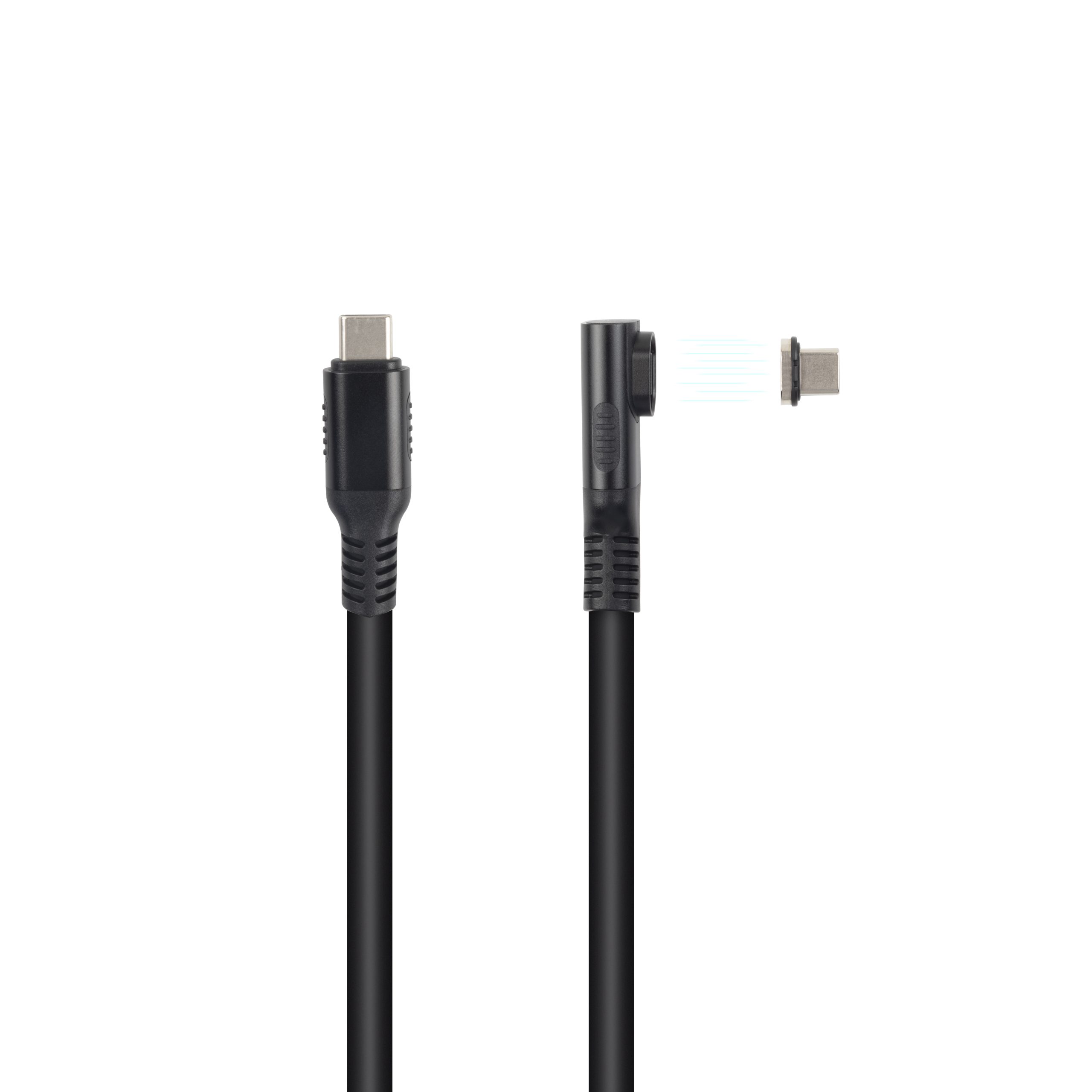
Why USB-C is the Backbone of Modern Video Editing
Video editing in 2026 demands unprecedented data throughput. Editing 8K RAW footage, managing multi-camera timelines, and real-time color grading require sustained data rates that older interfaces simply cannot deliver. The USB-C cable has emerged as the universal connector for creative professionals, consolidating storage, display, and peripheral connectivity into a single, elegant interface.
At Eilinks Electronics, we work directly with film studios, broadcasting companies, and independent content creators to engineer USB-C cables that meet the rigorous demands of video production. Understanding the difference between a $5 cable and a professional-grade USB4 cable can save editors from lost footage, corrupted project files, and hours of downtime.
The transition from Mini DisplayPort, HDMI, and proprietary docking solutions to USB-C represents the most significant workflow improvement in a decade. A single high-quality USB-C cable can simultaneously deliver: 4K/8K video output, 40Gbps data transfer, 100W laptop charging, and connection to audio interfaces. This convergence simplifies cable management and reduces the points of failure in critical production environments.
Bandwidth Requirements for Video Editing Workflows
Different video formats impose vastly different demands on your USB-C connection. Understanding these requirements is essential when selecting the right cable for your specific workflow:
4K Video Editing Requirements
Editing 4K footage at 60fps in H.264/H.265 requires sustained read speeds of approximately 500-700 Mbps for smooth timeline scrubbing. A USB 3.2 Cable (Gen 2, 10Gbps) can handle this comfortably, though multiple streams or RAW formats will push the limits. For professional 4K work, we recommend USB4 Cable with 40Gbps capability to provide adequate headroom for effects rendering and multi-layer compositions.
8K and RAW Workflows
8K RAW workflows can exceed 2,000 Mbps per stream. At this data rate, only USB4 cable (40Gbps) or Thunderbolt 4 cable provide sufficient bandwidth. Many editors make the costly mistake of buying a USB-C cable that physically fits but only supports 5Gbps, resulting in dropped frames and timeline unresponsiveness. Authentic Eilinks Electronics cables are clearly labeled with their maximum data rate to eliminate this confusion.
Multi-Display Video Editing Setups
Modern video editing often spans three or more displays: timeline monitor, preview monitor, and UI workspace. Thunderbolt 4 cable and Thunderbolt 5 cable support dual 4K@60Hz or single 8K@60Hz displays simultaneously while maintaining high-speed data for storage. The ability to drive multiple displays from a single USB-C cable significantly reduces the complexity of workstation setups.
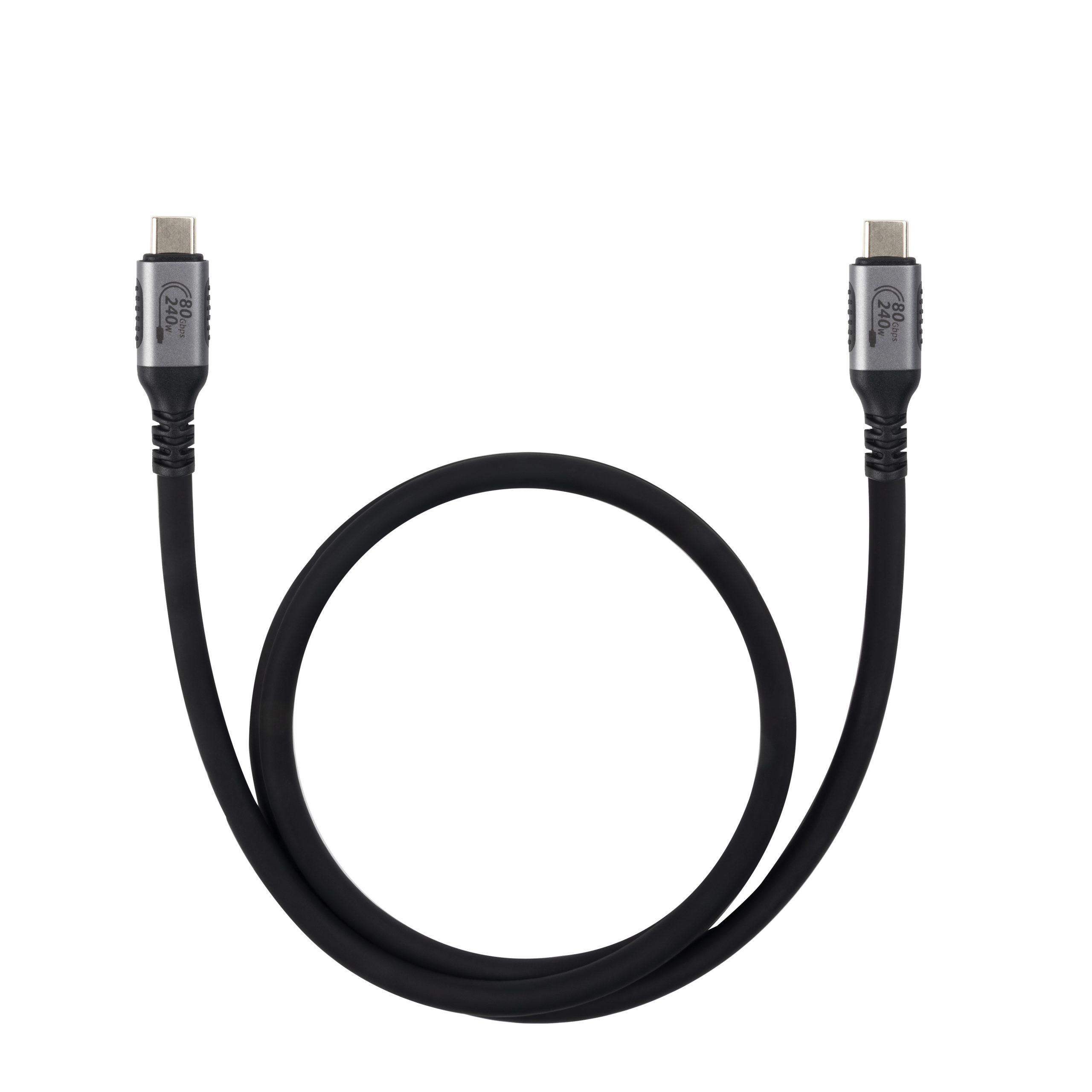
Thunderbolt 4 vs USB4 for Video Editors
Both standards use the USB-C connector and share 40Gbps maximum bandwidth, but there are important distinctions for video professionals:
| Feature | USB4 Cable | Thunderbolt 4 Cable |
|---|---|---|
| Peak bandwidth | 40 Gbps | 40 Gbps |
| Minimum required data rate | 20 Gbps (optional) | 32 Gbps (mandatory) |
| Display support | Up to 2x 4K@60Hz | Up to 2x 4K@60Hz (guaranteed) |
| Power delivery | Up to 100W (EPR: 240W) | Up to 100W (EPR: 240W) |
| PCle tunnelling | Optional | Mandatory (for eGPU) |
| Cable length (passive, 40Gbps) | 0.8m max | 0.8m max |
| Price (typical) | Lower | Higher (certification cost) |
For most video editors, a certified Thunderbolt 4 cable provides more predictable performance, especially when connecting external GPUs (eGPU) for hardware-accelerated rendering. Eilinks Electronics manufactures both USB4 and Thunderbolt 4 variants with factory-tested signal integrity up to 40Gbps across the full cable length.
Key Features to Look for in Video Editing Cables
Shielding Quality and EMI Suppression
Video editing workstations are typically surrounded by equipment generating significant electromagnetic interference: monitors, power supplies, LED panels, and wireless transmitters. A professional USB-C cable must incorporate multiple shielding layers (braided + foil) to prevent data corruption during long transfers. In our testing at Eilinks Electronics, unshielded budget cables show bit error rates up to 10,000x higher than properly shielded equivalents when operating near studio lighting equipment.
Cable Length vs Signal Integrity
Passive USB4 cable and Thunderbolt 4 cable have strict maximum length limits for 40Gbps operation: 0.8m (80cm) for passive cables. Beyond this length at 40Gbps, you need an active (re-timed) cable with built-in signal boosters. For desk setups where the storage drive is more than 1 meter from the workstation, Eilinks Electronics recommends our active optical USB-C cables, which support up to 20-meter lengths with zero signal degradation.
Connector Durability for Daily Use
Video professionals frequently connect and disconnect drives, cameras, and displays throughout a production day. A typical editor performs 10-20 connect/disconnect cycles daily. Over a 3-year period, this translates to over 15,000 mating cycles. Our USB-C cable products for video professionals use reinforced connector shells rated for 20,000+ cycles, with gold-plated contacts to prevent oxidation from frequent handling.
Power Delivery for Laptop-Based Editing
Many editors work on MacBook Pros, Dells, or HP ZBooks that require 85W-140W power delivery during intensive rendering. A high-quality USB-C cable with EPR (Extended Power Range) support delivers up to 240W at 48V/5A, ensuring your laptop maintains charge even during CPU/GPU-heavy 8K exports. Standard 60W cables may cause battery drain during sustained rendering workloads.
Real-World Performance Benchmarks
Eilinks Electronics conducted controlled benchmarks comparing different cable types with a standard 4K video editing workload (ProRes 422 HQ, 1-hour timeline, 3-layer composition):
| Cable Type | Sustained Speed | 8K Scrub Latency | Export Time (4K) |
|---|---|---|---|
| USB 2.0 Cable (480 Mbps) | 38 MB/s | Unusable (>5s) | Not recommended |
| USB 3.2 Gen 1 (5 Gbps) | 420 MB/s | 1.2s | ~42 min |
| USB 3.2 Cable Gen 2 (10 Gbps) | 980 MB/s | 0.4s | ~28 min |
| USB4 Cable (40 Gbps) | 2,800 MB/s | 0.08s | ~18 min |
| Thunderbolt 4 Cable (40 Gbps) | 2,800 MB/s | 0.06s | ~17 min |
The benchmark clearly shows that upgrading from a USB 3.2 Gen 1 cable to a USB4 cable reduces 4K export time by nearly 60%. For professionals billing clients by the hour, this performance difference pays for the cable cost within the first week of use.
Frequently Asked Questions
Can I use any USB-C cable for 8K video editing?
No. Many USB-C cables only support USB 2.0 speeds (480 Mbps), which is completely inadequate for 8K footage. Look for cables explicitly labeled “USB4”, “Thunderbolt 4”, or “40Gbps”. If the cable packaging does not specify data rate, assume it is USB 2.0. At Eilinks Electronics, we clearly print the maximum data rate on every cable connector housing and packaging to eliminate this guesswork for our customers.
What cable length is optimal for video editing workstations?
For 40Gbps operation, passive cables should not exceed 0.8 meters. If you need longer reach, use an active optical USB-C cable. For most editing desk setups, a 1-meter USB4 cable or Thunderbolt 4 cable provides the best balance of flexibility and performance. Our testing shows that 2-meter passive cables at 40Gbps have a bit error rate more than 100x higher than 0.8-meter cables of equivalent construction.
Do I need Thunderbolt 4 certification for video editing?
Not necessarily. If you only need high-speed storage access and video output, a standard USB4 cable is sufficient and more affordable. However, if you use an external GPU (eGPU) for rendering acceleration, Thunderbolt 4 certification is mandatory because it guarantees PCIe tunneling support. We generally recommend Thunderbolt 4 cable for workstation setups to ensure maximum future-proofing and compatibility.
How many displays can I drive from a single USB-C port?
With a Thunderbolt 4 cable or Thunderbolt 5 cable, you can drive up to two 4K@60Hz displays or one 8K@60Hz display from a single port. Standard USB4 cable supports the same theoretically, but many implementations only support a single display. Check your laptop or docking station specifications. Using a MST (Multi-Stream Transport) hub with a high-bandwidth USB-C cable can further expand display connectivity.
What happens if my USB-C cable cannot sustain the required bandwidth?
Insufficient bandwidth manifests as dropped frames during playback, slow timeline scrubbing, application freezes during export, and in severe cases, complete application crashes. The operating system may also fall back to software decoding, placing additional load on the CPU. Using a certified USB4 cable or Thunderbolt 4 cable from a reputable USB-C cable manufacturer like Eilinks Electronics eliminates these issues by providing guaranteed minimum bandwidth performance.
