




USB-C Cable vs USB-A Cable Complete Comparison 2026
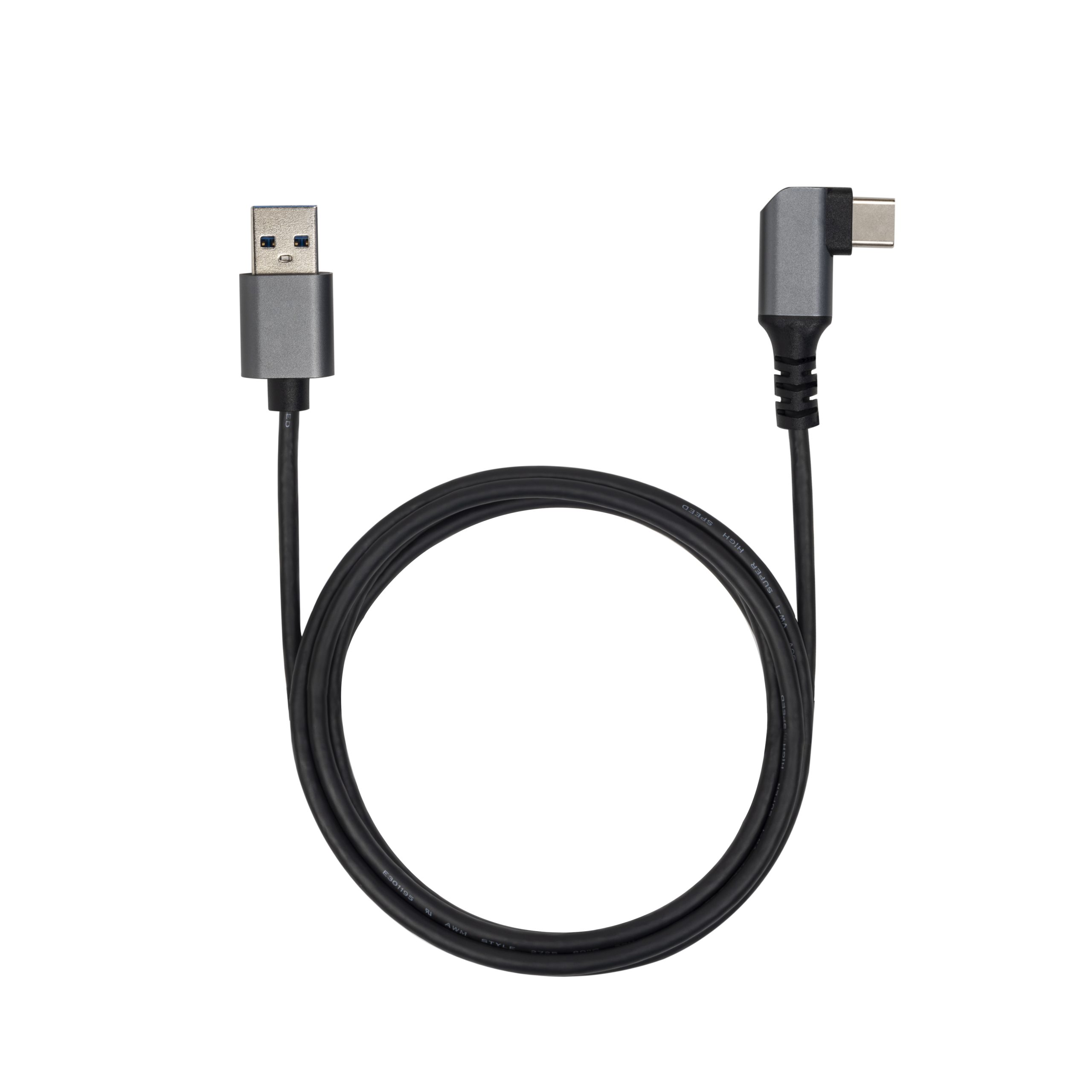
The Great Connector Transition: USB-A to USB-C
For over two decades, the rectangular USB-A port was the universal standard for connecting peripherals to computers. Today, the industry has decisively shifted toward the versatile, reversible USB-C cable interface. This transition represents far more than a cosmetic change — it fundamentally transforms how devices communicate, receive power, and connect to the broader ecosystem.
As a leading USB-C cable manufacturer, Eilinks Electronics has witnessed this evolution firsthand. We have produced billions of connectors across both generations and understand exactly why USB-C is rapidly replacing USB-A across every product category from smartphones to industrial controllers.
In 2026, USB-A still appears on many computers as a legacy convenience feature, but virtually all new device categories — laptops, tablets, smartphones, cameras, gaming consoles — ship exclusively with USB-C ports. Understanding the differences helps procurement teams make informed decisions about which cables to stock for their operations.
Physical Design Differences
The most immediately obvious difference is physical form factor:
Connector Symmetry
USB-A: Rectangular connector with one correct insertion orientation. Users must check alignment before plugging in, and reversed insertion is impossible without force that could damage both connector and port.
USB-C: Oval-shaped symmetrical connector (8.25mm x 2.4mm) that plugs in either way up. The reversible design alone eliminates millions of connection errors daily and significantly reduces wear on both plug and receptacle from misaligned insertion attempts.
Size Comparison
The USB-C connector occupies roughly half the footprint of USB-A while providing more than twice the pin count (24 pins vs 4 pins). This miniaturization enables ultra-thin laptop designs, compact smartphone bodies, and dense industrial control panels where space is at a premium.
| Specification | USB Type-A | USB Type-C |
|---|---|---|
| Pin count | 4 pins | 24 pins |
| Dimensions (plug) | 12mm x 4.5mm | 8.25mm x 2.4mm |
| Insertion orientation | Single direction only | Reversible (either direction) |
| Mating cycles (typical) | 1,500 cycles | 10,000+ cycles |
| Max data rate (original) | 480 Mbps (USB 2.0) | 80 Gbps (USB4 v2.0) |
| Power delivery (max) | Negotiated via BC 1.2 (7.5W typical) | 240W EPR (USB-PD 3.1) |
Data Transfer Speed Comparison
This is where the gap between USB-A and USB-C becomes most dramatic:
USB-A Speed Limitations
Traditional USB-A ports top out at USB 3.2 Gen 2 speeds of 10 Gbps when using a USB-A-to-USB-B or USB-A-to-USB-C cable. However, most existing USB-A implementations are actually USB 2.0 (480 Mbps) or USB 3.2 Gen 1 (5 Gbps). Even the fastest native USB-A configuration cannot approach what a modern USB-C cable delivers through USB4 or Thunderbolt protocols.
USB-C Speed Capabilities
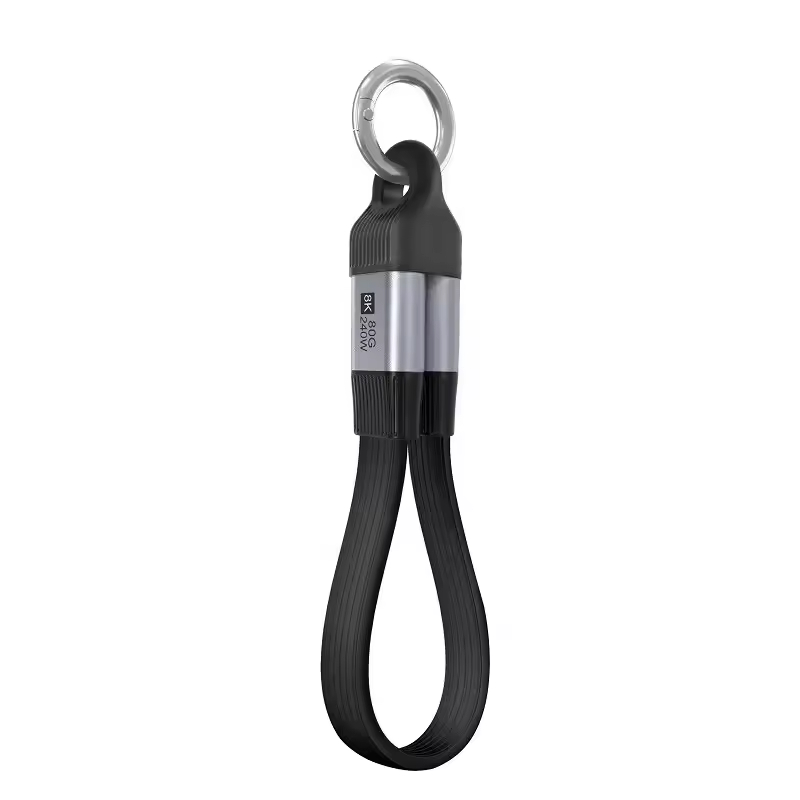
A single USB4 cable delivers up to 40 Gbps — four times faster than the best USB-A implementation. With USB4 Version 2.0 and Thunderbolt 5 cable, speeds reach an astonishing 80 Gbps bidirectional (120Gbps asymmetric). This bandwidth advantage means transferring a 100GB video project takes under 15 seconds over USB4 versus over 3 minutes over USB 3.2 via USB-A.
Real-World Transfer Time Comparison
| Data Volume | USB-A (5 Gbps) | USB-A (10 Gbps) | USB-C (40 Gbps) | USB-C (80 Gbps) |
|---|---|---|---|---|
| 10 GB (RAW photos) | ~17 sec | ~9 sec | ~2.5 sec | ~1.3 sec |
| 50 GB (video project) | ~85 sec | ~45 sec | ~11 sec | ~6 sec |
| 500 GB (full backup) | ~14 min | ~7 min | ~1.8 min | ~55 sec |
| 1 TB (system image) | ~28 min | ~14 min | ~3.6 min | ~1.8 min |
Power Delivery: A Game-Changing Advantage
Perhaps the most transformative difference between USB-A and USB-C is power delivery capability. USB-A charging was always limited by its original design as a data-first interface:
USB-A Power Limitations
Standard USB-A ports deliver between 2.5W (BC 1.0) and 7.5W (BC 1.2) without proprietary extensions. Qualcomm Quick Charge and other vendor-specific protocols can push USB-A power delivery higher (up to ~18W-36W), but these require compatible chargers and devices from the same vendor ecosystem. There was never an industry-standard high-power solution over USB-A.
USB-C Power Delivery Revolution
USB-C implements the USB Power Delivery (USB-PD) protocol natively, supporting up to 240W USB-C with EPR specification. This means a single USB-C cable can charge everything from earbuds to gaming workstations. At Eilinks Electronics, our EPR-certified cables support the full 48V/5A envelope required for next-generation computing devices.
- USB-A typical max: 7.5W-18W (proprietary protocols may exceed)
- USB-C PD 3.0: Up to 100W at 20V/5A
- USB-C PD 3.1 EPR: Up to 240W USB-C at 48V/5A
- Result: USB-C delivers 32x more power than standard USB-A
Multi-Protocol Support Through Alternate Modes
One capability unique to USB-C cable technology is Alternate Mode support, allowing the same physical connector and wires to carry non-USB video and audio protocols:
DisplayPort Alt Mode
USB-C can carry native DisplayPort signals (up to DP 2.1) for driving monitors. No dongle needed — just connect a USB-C cable directly to a compatible display. USB-A requires separate HDMI, DisplayPort, or DVI cables for video output.
HDMI Alt Mode
Certified HDMI-over-USB-C adapters allow direct HDMI signaling through USB-C, supporting 4K@60Hz and 8K@30Hz depending on cable quality and host capabilities.
Thunderbolt Protocol Tunneling
When using a certified Thunderbolt 4 cable or Thunderbolt 5 cable, USB-C carries PCIe data, DisplayPort video, and USB data simultaneously. PCI Express tunneling enables external GPUs, high-speed RAID arrays, and professional capture cards — all impossible over any USB-A variant.
When Should You Still Use USB-A?
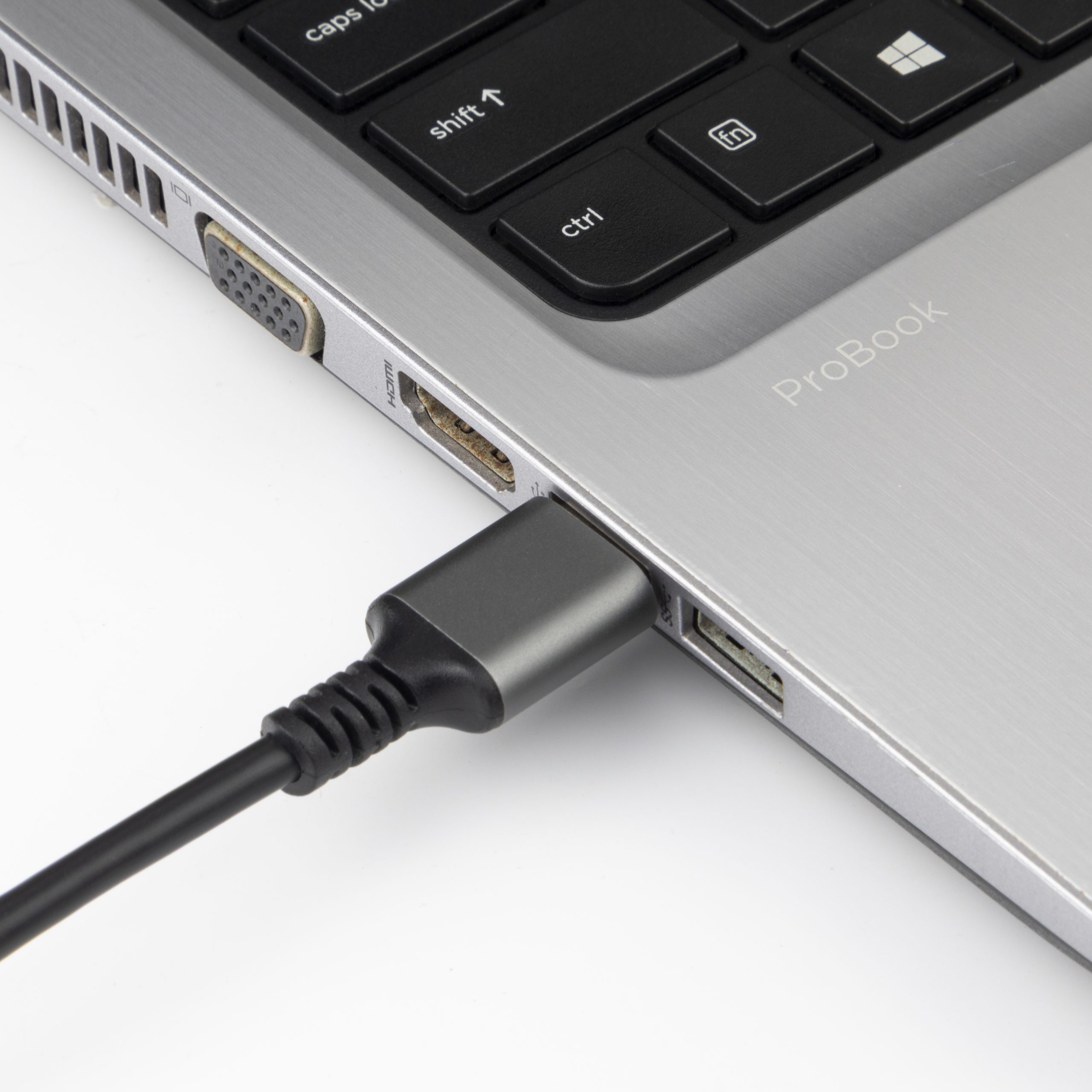
Despite USB-C’s overwhelming advantages, USB-A remains relevant in specific scenarios:
- Legacy peripheral compatibility: Many older keyboards, mice, printers, audio interfaces, and industrial equipment only offer USB-A connections. Adapters bridge this gap but add failure points.
- Budget-constrained deployments: For simple low-speed devices like barcode scanners, POS terminals, and HID devices, USB-A cables remain significantly cheaper than USB-C alternatives.
- Industrial embedded systems: Many PLCs, CNC controllers, and measurement instruments were designed with integrated USB-A ports and have multi-decade replacement cycles.
- BIOS/Recovery scenarios: Some systems require USB-A boot media because firmware-level USB-C driver support varies by manufacturer.
For organizations managing mixed environments, Eilinks Electronics offers hybrid solutions including USB-C to USB-A adapter cables, USB-C hubs with multiple USB-A downstream ports, and custom cable assemblies combining both connector types.
Frequently Asked Questions
Is USB-C completely replacing USB-A?
For new products, yes — essentially all new consumer electronics use USB-C exclusively. Apple’s iPhone switched to USB-C in 2024, marking the last major holdout. The European Union’s mandate requiring USB-C on portable electronic devices accelerated global adoption. However, USB-A will persist as a legacy interface for decades due to installed base of older equipment. Most new computers include a mix of USB-C and USB-A ports during this transitional period.
Can I use a USB-C to USB-A cable to get faster speeds?
No. The maximum speed of any USB-C to USB-A connection is limited by the slower USB-A endpoint. Even if you connect a USB-C device to a computer’s USB-A port with a premium cable, the speed will not exceed whatever that USB-A port supports (typically 5 Gbps or 10 Gbps). To achieve full USB4 cable or Thunderbolt 4 cable performance, both ends of the connection must be USB-C.
Why do USB-C cables cost more than USB-A cables?
Genuine USB-C cables require more complex manufacturing: 24 pins instead of 4, precision-machined symmetrical shells, eMarker chips for high-power variants, shielded twisted-pair wiring for high-speed differential signals, and rigorous testing for USB-IF certification compliance. Budget USB-C cables cut corners on internal construction, resulting in unreliable operation. Eilinks Electronics manufactures across price points while maintaining minimum quality standards for every tier.
Which is better for charging my phone: USB-A or USB-C?
USB-C is unequivocally better for charging. A USB-C charger with PD support can deliver up to 240W to compatible devices, enabling fast charging that fills phones in minutes rather than hours. USB-A chargers typically deliver 5-10W unless they implement proprietary fast-charging standards. If your phone has a USB-C port, always choose a USB-C charger and USB-C cable for optimal charging performance.
