




USB-C Cable Length Guide: How Far Can You Run a USB-C Cable?
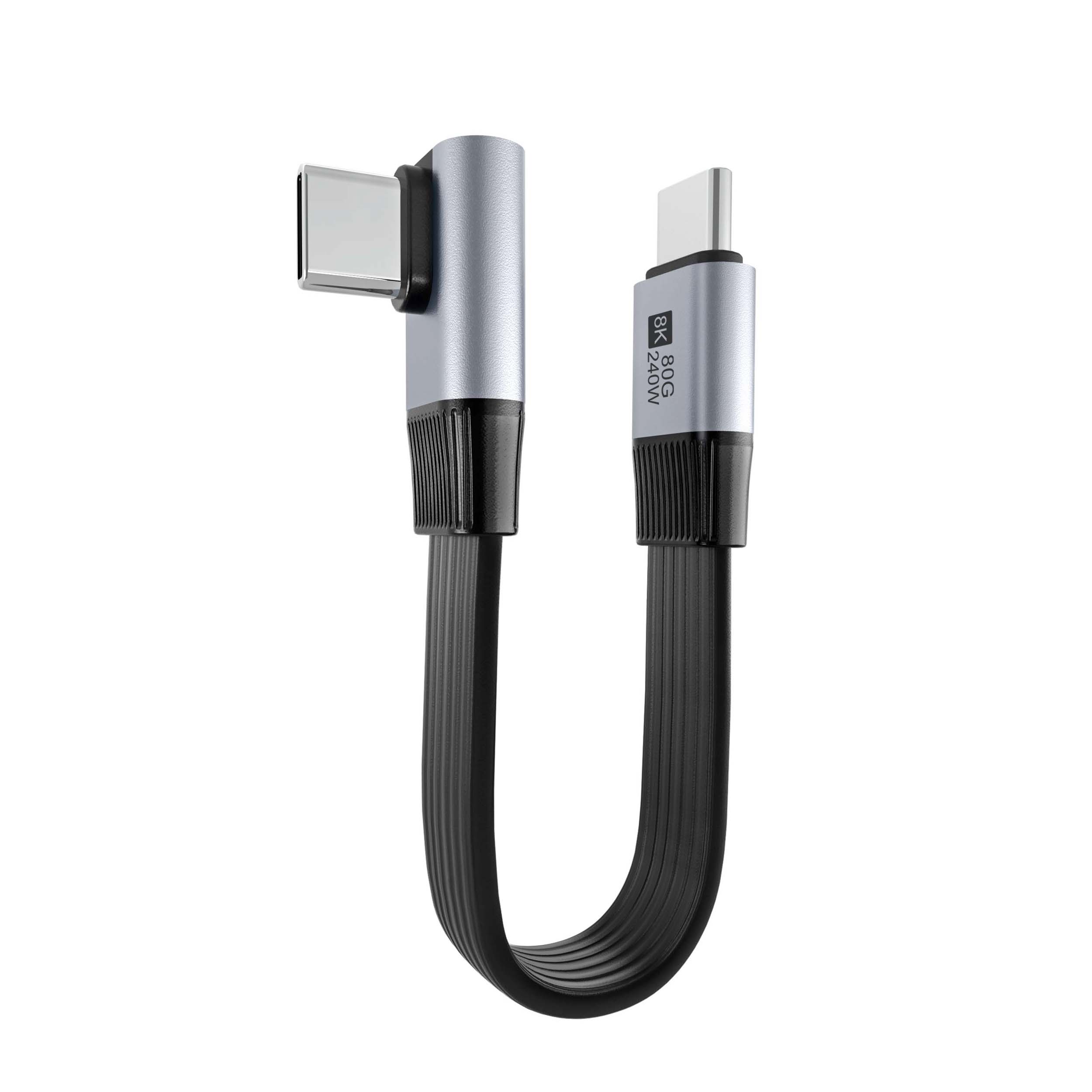
One of the most frequently asked questions we receive at Eilinks Electronics is about USB-C cable length limits. “Can I use a 3-meter cable for my 4K monitor?” “Will my external SSD work through a 2-meter extension?” The answer depends entirely on which type of USB-C cable you’re using and what you’re trying to do with it.
The Physics Behind Cable Length Limits
Every USB-C cable faces physical constraints that limit its maximum usable length:
- Signal attenuation: Electrical signals weaken as they travel longer distances due to copper resistance
- Impedance mismatch: Longer cables are harder to manufacture within tight impedance tolerances
- Crosstalk interference: Adjacent data pairs interfere more over extended lengths
- Timing skew: Differential signal pairs arrive at slightly different times in long cables
- Voltage drop: Power delivery efficiency decreases as cable length increases (V=IR losses)
Maximum Length by Cable Type
| Cable Type | Max Passive Length | Max Active Length | Primary Limiting Factor |
|---|---|---|---|
| USB 2.0 Cable | 5 meters (16 feet) | N/A (passive only) | Signal timing margins |
| USB 3.0/3.1 Gen 1 | 3 meters (9.8 feet) | ~5 meters (active) | Insertion loss at 5GHz |
| USB 3.2 Gen 2 | 1 meter (3.3 feet) | ~2 meters (active) | Insertion loss at 10GHz |
| USB 3.2 Gen 2×2 | 1 meter (3.3 feet) | ~2 meters (active) | Crosstalk between dual lanes |
| USB4 / TB3/TB4 | 0.8 meter (2.6 feet) | ~2 meters (active optical) | High-frequency insertion loss |
| Thunderbolt 5 | 0.8 meter (2.6 feet) | ~1 meter active / unlimited optical | PAM3 signaling sensitivity |
Why Higher-Speed Cables Have Shorter Length Limits
This seems counterintuitive – shouldn’t better technology go further? The reality is that higher data rates require higher frequency signals, and higher frequencies attenuate much faster through copper conductors:
- USB 2.0 operates at 480 MHz – easily travels through several meters of copper
- USB 3.2 Gen 2×2 operates at 10 GHz per lane – severely degraded beyond 1 meter
- USB4 Version 2.0 operates at even higher effective frequencies – passive cables limited to 0.8m
Passive vs Active Cables: What’s the Difference?
Passive USB-C Cables
A passive USB-C cable contains nothing but copper wires, shielding, and connectors. It’s simple, reliable, and cost-effective for shorter runs:
- No electronics inside – purely mechanical/electrical construction
- Works in both directions (reversible)
- Lower cost than active alternatives
- Length-limited by physics of signal propagation
Active USB-C Cables
Active cables contain signal conditioning chips embedded in one or both connectors that regenerate and re-drive the signals:
- Redrivers: Amplify and equalize signals mid-path or at endpoints
- Retimers: Full clock-and-data recovery for highest reliability
- Active optical cables (AOC): Convert electrical signals to light, transmit via fiber optic core, convert back
At Eilinks Electronics, our active USB4 cable products use premium redriver chips from authorized suppliers to ensure consistent performance across production batches.
Practical Length Recommendations by Use Case
Phone/Tablet Charging
- Recommended: 1m – 2m passive USB 2.0 Cable
- Maximum practical: 3m (signal quality still acceptable for charging only)
- Note: For fast charging (PD), stay under 2m to minimize voltage drop
Laptop Charging (PD 100W-240W)
- Recommended: 1m – 1.5m EPR-certified cable for 240W USB-C applications
- Maximum practical: 2m (voltage drop becomes significant above this)
- Important: Use thicker-gauge power conductors for longer runs
External Monitor Connection
- Single 1080p @60Hz: Up to 3m passive USB 3.2 Cable works fine
- Single 4K @60Hz: Keep under 2m passive; use active if longer needed
- Single 4K @144Hz or dual 4K: Requires Thunderbolt 4 Cable under 1m or active AOC
External Storage (NVMe SSD)
- SATA SSD (6 Gbps): 2m passive OK
- NVMe Gen3 x4 (32 Gbps): 1m max passive, 2m active recommended
- NVMe Gen4 x4 (64 Gbps+): Must use Thunderbolt 4 Cable or certified active cable under 1m
Voltage Drop: The Hidden Problem with Long Charging Cables
When using a long USB-C cable for charging, voltage drop reduces the actual power reaching your device:
| Cable Length | Gauge (AWG) | Resistance | @5A Voltage Drop | @5A Power Loss | Effective Power (48V source) |
|---|---|---|---|---|---|
| 0.5m | 22 AWG | ~16 mOhm | 0.08V | 0.4W | 239.6W |
| 1.0m | 22 AWG | ~32 mOhm | 0.16V | 0.8W | 239.2W |
| 1.5m | 22 AWG | ~48 mOhm | 0.24V | 1.2W | 238.8W |
| 2.0m | 22 AWG | ~64 mOhm | 0.32V | 1.6W | 238.4W |
| 2.0m | 20 AWG | ~40 mOhm | 0.20V | 1.0W | 239.0W |
This is why high-power EPR cable products from Eilinks Electronics use 20 AWG or heavier power conductors – every milliohm counts when delivering 240 watts.
Tips for Running Longer Distances
- Use active cables or fiber optic solutions for anything over 1 meter at high speeds
- Choose thicker gauge (lower AWG number) for power delivery applications
- Avoid daisy-chaining multiple cables together – each connection adds impedance discontinuity
- Consider a powered hub/dock instead of a single long cable to your device
- For permanent installations, use properly shielded and rated cable management
Fiber Optic USB-C Cables: The Future of Long Runs
The ultimate solution for distance limitations is the Active Optical Cable (AOC). These hybrid cables use:
- Copper wires for power delivery (VBUS/GND) up to 240W with proper design
- Fiber optic cores for data transmission, immune to EMI and virtually lossless
- Electrical-to-optical converters in each connector housing
AOC USB4 cable products can reach **30-100 meters** while maintaining full 40Gbps bandwidth. They’re more expensive but indispensable for professional AV installations, data centers, and industrial environments where long runs are unavoidable.
Need Custom-Length USB-C Cables?
Eilinks Electronics offers custom length manufacturing from 0.15m to 30m+ (fiber optic options available). Get a quote at usbcfactory.com/contact.
Conclusion
Choosing the right USB-C cable length requires understanding your speed requirements, power needs, and physical constraints. For most users, keeping cables under 1 meter for high-speed data and under 2 meters for charging provides the best balance of convenience and performance.
If your application demands longer runs, invest in active or fiber optic cables from an experienced manufacturer like Eilinks Electronics. Our engineering team can help you specify the exact solution for your deployment scenario. Browse our catalog at shop page or contact us directly for custom projects.
